
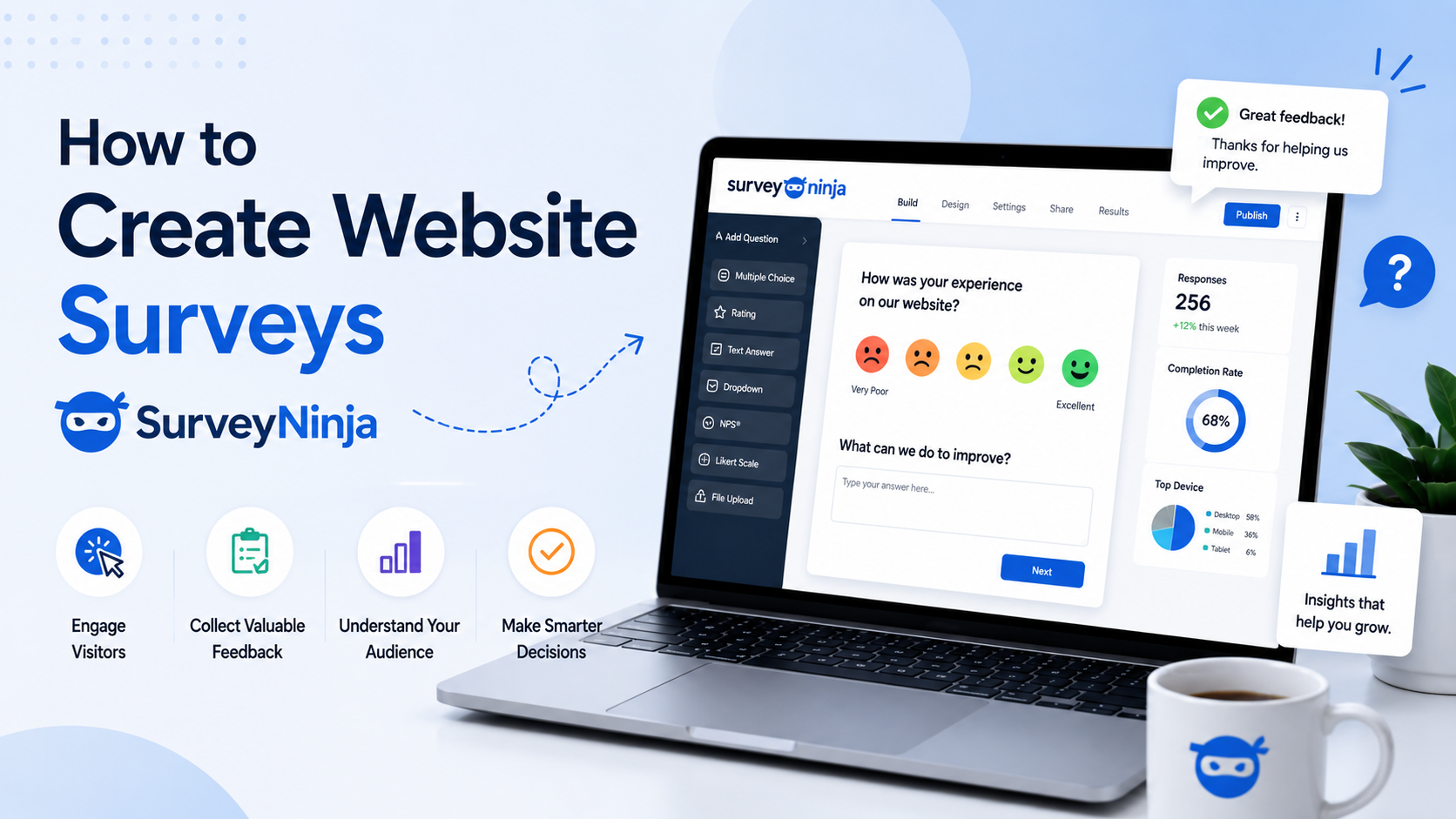
How to Create Website Surveys with SurveyNinja
A website survey helps you understand what visitors think, what they need, and what stops them from taking the next step. Instead of guessing why people leave a page, ignore a form, or hesitate before buying, you can ask them directly.
For business websites, surveys can support better decisions in marketing, design, sales, product development, and customer service. The key is to keep the survey short, clear, and connected to a specific goal.
SurveyNinja is a useful tool for creating online surveys, feedback forms, customer questionnaires, and website research forms without complex development work. Below is a practical guide to planning and building a survey for your website.
1. Define the Goal of the Website Survey
Before creating questions, decide what you want to learn. A survey without a clear goal often becomes too long and collects answers that are difficult to use.
For example, your goal may be to understand why visitors do not request a quote, which service they are most interested in, how satisfied customers are after purchase, or what information is missing from a landing page.
Good survey goals sound specific:
“Find out why visitors leave the pricing page.”
“Understand what customers value most before ordering.”
“Collect feedback after a consultation.”
“Learn which website calculator or tool users need next.”
“Measure satisfaction after a completed project.”
Once the goal is clear, it becomes easier to choose the right question types and avoid unnecessary fields.
2. Choose the Right Type of Survey
Different website goals require different survey formats. A short pop-up survey may work well for quick feedback, while a longer questionnaire may be better for customer research.
For a business website, the most useful survey types include:
Visitor feedback survey — asks users whether the page answered their question.
Lead qualification survey — helps understand what service the visitor needs.
Customer satisfaction survey — collects feedback after a purchase, booking, or project.
Product research survey — helps evaluate demand for new offers or features.
Exit-intent survey — asks why a visitor is leaving without converting.
Post-calculator survey — collects feedback after a visitor uses an online calculator or estimator.
If your website already uses online calculators, quote tools, or lead forms, a short survey can help you understand whether those tools are clear and useful.
3. Keep the Survey Short
Most website visitors will not complete a long questionnaire unless they have a strong reason. For general website feedback, 3–7 questions are usually enough.
A short survey has a better chance of being completed because it respects the visitor’s time. It also makes the answers easier to analyze.
A simple structure can look like this:
Question 1: What were you looking for on this page?
Question 2: Did you find the information you needed?
Question 3: What stopped you from contacting us today?
Question 4: How easy was this page to understand?
Question 5: What could we improve?
This type of structure gives you both measurable answers and open comments.
4. Use Clear Question Types
SurveyNinja can be used to build different types of questions depending on the information you need. The question type should match the kind of answer you expect.
Use multiple choice questions when you want visitors to choose from fixed options. They are useful for service interests, purchase reasons, traffic sources, or common objections.
Use rating scales when you want to measure satisfaction, clarity, ease of use, or likelihood to recommend.
Use open-ended questions when you want detailed feedback in the visitor’s own words.
Use yes/no questions when you need a quick answer and do not want to slow down the user.
Use dropdowns when the list of options is long and you want to keep the survey visually compact.
A good survey usually combines closed questions for easy analysis and one or two open questions for deeper insight.
5. Write Questions in Simple Language
Survey questions should be easy to understand the first time someone reads them. Avoid professional jargon, complex wording, or questions that ask about two things at once.
Instead of writing:
“How would you evaluate the informational and functional quality of this landing page?”
Write:
“Was this page easy to understand?”
Instead of:
“Which friction points affected your conversion decision?”
Write:
“What stopped you from contacting us today?”
The visitor should not need to think about what the question means. They should only think about their answer.
6. Avoid Leading Questions
A leading question pushes the visitor toward a specific answer. This can make survey results unreliable.
For example, this question is leading:
“How helpful was our excellent quote calculator?”
A better version is:
“How helpful was the quote calculator?”
Another example:
“Why do you prefer our service over competitors?”
A more neutral version is:
“What other options did you consider before contacting us?”
Neutral questions give you more honest feedback, including feedback that may be uncomfortable but useful.
7. Add the Survey to the Right Page
Survey placement matters. A survey should appear where the question is relevant to the visitor’s experience.
For example, place a pricing feedback survey on the pricing page. Place a quote form feedback survey after a visitor submits a request. Place a satisfaction survey after service completion. Place a website usability survey on important landing pages.
For Harbor Glance clients, surveys can be especially useful near online calculators. After someone uses a calculator, a short SurveyNinja form can ask whether the result was clear, whether the estimate was useful, and what information the visitor still needs.
This helps improve both the calculator and the surrounding website content.
8. Use Surveys to Improve Website Calculators
If your website has an online calculator, SurveyNinja can help you understand whether visitors trust the result and know what to do next.
You can ask questions such as:
“Was the calculator easy to use?”
“Did the result help you understand the approximate cost?”
“What information was missing from the calculator?”
“Would you like to receive a detailed quote?”
“What should we add to this tool?”
These answers can help improve calculator logic, input fields, result explanations, and calls to action.
A calculator should not only produce a number. It should support a clearer decision. Survey feedback shows whether it is doing that well.
9. Review Answers and Look for Patterns
After publishing the survey, do not focus only on individual comments. Look for repeated patterns.
If several visitors say the pricing page is unclear, the problem is probably real. If many people ask the same question, that question should be answered directly on the page. If users say the form is too long, it may be time to simplify it.
Survey results can help you improve:
website copy;
calculator fields;
service descriptions;
pricing explanations;
FAQ sections;
contact forms;
landing page structure;
calls to action.
The best survey is not the one that collects the most answers. It is the one that helps you make better website decisions.
10. Update the Survey Over Time
A website survey should not stay unchanged forever. Once you collect enough responses and improve the page, update the survey goal.
For example, your first survey may focus on pricing clarity. Later, you may want to test whether visitors understand your service packages. After that, you may ask about the usefulness of a calculator or quote tool.
This keeps your research relevant and prevents the survey from becoming a static form that no one reviews.
Example Website Survey Structure
Here is a simple SurveyNinja survey structure for a business website:
Survey title: Help Us Improve This Page
Intro text:
Please answer a few quick questions. Your feedback helps us make this page more useful for future visitors.
Question 1: What were you looking for today?
Multiple choice
Question 2: Did you find the information you needed?
Yes / Partly / No
Question 3: How easy was this page to understand?
Rating scale from 1 to 5
Question 4: What stopped you from contacting us today?
Multiple choice with “Other” option
Question 5: What should we improve?
Open-ended answer
Final message:
Thank you for your feedback. Your answers help us improve the website experience.
Conclusion
SurveyNinja can help businesses collect useful website feedback without turning research into a complicated technical project. With the right questions and page placement, a survey can show what visitors need, what they do not understand, and what prevents them from taking action.
For websites with online calculators, surveys are especially valuable. They help evaluate whether the calculator is clear, useful, and connected to the visitor’s next step.
Harbor Glance helps businesses create interactive website tools, including online calculators, quote forms, and feedback flows. When combined with SurveyNinja surveys, these tools can give both visitors and business owners a clearer path to better decisions.